

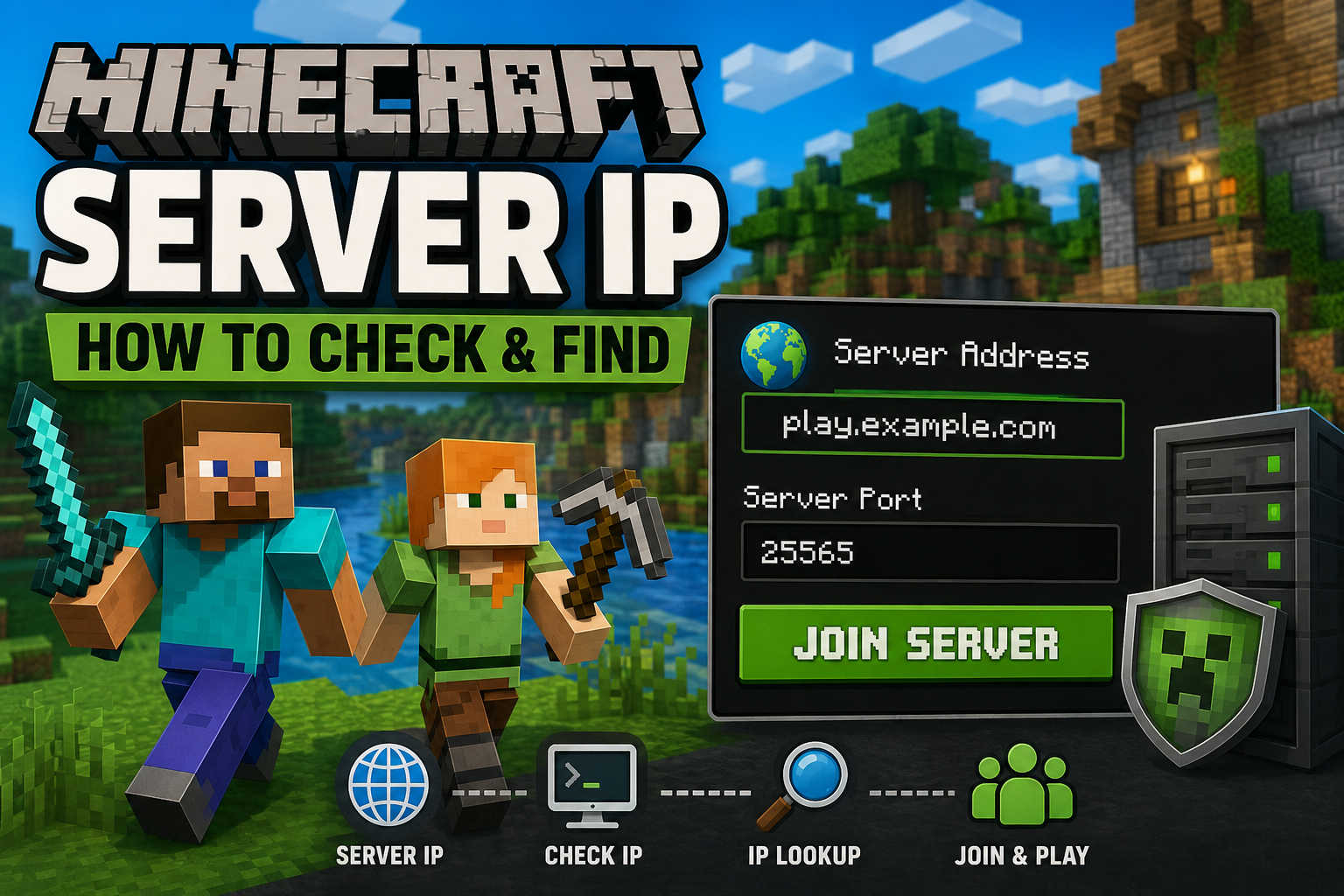
If you want to play Minecraft with your friends or join a public server, you need the correct Minecraft server IP. Without it, your game will not know where to connect. Many players, especially beginners, get confused when they see terms like Minecraft server address, Minecraft server hostname, or Minecraft server IP address. The good news is that they are easy to understand.
In this guide, you will learn how to check the IP address of a Minecraft server in simple words. Whether you play Minecraft Java Edition or Minecraft Bedrock Edition, this article will help you find the right server information.
What Is a Minecraft Server IP?
A Minecraft server IP is the address of a Minecraft server. Think of it like the address of a house. If someone wants to visit your house, they need the correct address. The same thing happens in Minecraft. Your game needs the correct server address to connect to the right world.
Some servers use numbers like this:
123.45.67.89
Other servers use easy names like this:
play.example.com
Both can work. The easy name is called a Minecraft server hostname or Minecraft server domain. It points to the real IP address behind the scenes.
Why Do You Need a Minecraft Server IP?
There are many reasons why you may need a Minecraft server IP address.
- To join a friend’s server.
- To play on a public multiplayer server.
- To save a server in Minecraft.
- To fix connection problems.
- To host your own Minecraft server.
Without the correct IP address, Minecraft cannot connect to the server.
Minecraft Server Address and Hostname
Many people think a Minecraft server address and an IP address are always the same. They are not.
A server address can be a domain name like:
play.example.com
The real IP might be:
123.45.67.89
When you enter the server name, your computer automatically finds the correct IP using Minecraft server DNS. This means you do not have to remember long numbers.
Large Minecraft servers usually use a hostname because it is much easier to remember.
Minecraft Java Server IP and Minecraft Bedrock Server IP
Minecraft has two main versions.
- Minecraft Java Edition
- Minecraft Bedrock Edition
Both versions can join multiplayer servers, but they often use different settings.
| Feature | Java Edition | Bedrock Edition |
| Default Port | 25565 | 19132 |
| Uses Server IP | Yes | Yes |
| Uses Hostname | Yes | Yes |
Always make sure you are joining the correct server for your version of Minecraft.
How to Check the Ip Address of a Minecraft Server?
How to Check the IP Address of a Minecraft Server
There are several easy ways to check Minecraft server IP details.
How to Check the Ip Address of a Minecraft Server?
Method 1: Check the Multiplayer List
This is the easiest method if you have already joined the server before.
Follow these steps.
- Open Minecraft.
- Click Multiplayer.
- Find your saved server.
- Select the server.
- Click Edit.
Method 2: Visit the Official Server Website
Most public servers have their own website.
The website usually shows:
- Minecraft server IP
- Minecraft server port
- Supported Minecraft version
- Java or Bedrock support
For example, a server page may say:
Server Address: play.example.com
Java Port: 25565
If you cannot find the server IP, look for pages called:
- Join
- Play Now
- Server Info
- Getting Started
These pages usually contain everything you need.
How to Check the Ip Address of a Minecraft Server?
Method 3: Ask the Server Owner
If you want to play with friends, the easiest option is to ask the server owner.
They can send you the:
- Minecraft server IP
- Minecraft server port
- Minecraft version
Copy the information exactly as they send it.
Even one wrong letter can stop Minecraft from connecting.
How to Check the Ip Address of a Minecraft Server?
Method 4: Use Server IP Lookup
Sometimes, you may only have the server’s website or domain name instead of its actual IP address. If that happens, you can use a server IP lookup tool to find the Minecraft server IP. These online tools look up the Minecraft server hostname and reveal the Minecraft server IP address linked to it. Simply enter the server’s hostname, such as play.example.com, and the tool will display the IP address if it is publicly available. This method is helpful when you’re trying to connect to a server, troubleshoot connection issues, or verify that you have the correct Minecraft server address before joining the game. How to Check the Ip Address of a Minecraft Server?
Method 5: Use the Command Prompt
Windows users can also use Command Prompt.
Type:
nslookup play.example.com
Press Enter.
The computer will show the server’s IP address.
This method is quick and does not require extra software.
How to Check the Ip Address of a Minecraft Server?
Method 6: Use the Ping Command
Another simple method is the Ping command.
Open Command Prompt and type:
ping play.example.com
Press Enter.
The result usually shows the Minecraft server IP address.
Keep in mind that some servers block ping requests, so this method does not always work.
How to Check the Ip Address of a Minecraft Server?
How to Find Minecraft Server IP on Java Edition
If you play Java Edition, finding the server IP is very easy.
Open Multiplayer.
Choose the server.
Click Edit.
The address shown is your Minecraft Java server IP or hostname.
If the server owner uses a custom domain, you will see the hostname instead of numbers.
How to Check the Ip Address of a Minecraft Server?
How to Find Minecraft Server IP on Bedrock Edition
Bedrock Edition works a little differently.
When adding a server, you must enter:
- Server Name
- Server Address
- Server Port
The Minecraft Bedrock server IP is entered in the Server Address box.
The default port is usually 19132.
Always check both the address and the port before connecting.
How to Check the Ip Address of a Minecraft Server?
What Is a Minecraft Server Port?
The Minecraft server port works together with the IP address.
Think of the IP as the building.
The port is the correct door.
Even if you reach the building, you still need the correct door to enter.
How to Check the Ip Address of a Minecraft Server?
The default ports are:
- Java Edition: 25565
- Bedrock Edition: 19132
Most public servers use these default ports.
How to Check the Ip Address of a Minecraft Server?
Common Problems When Checking a Minecraft Server IP
Sometimes players cannot connect even when they think the address is correct.
Here are some common reasons.
How to Check the Ip Address of a Minecraft Server?
Wrong IP Address
Check every letter and number carefully.
A small mistake can stop the connection.
Wrong Port
Bedrock players often forget to enter the correct port.
Without the right port, the server will not open.
Server Is Offline
The server may simply be turned off.
Wait a few minutes and try again.
Internet Connection
A slow or unstable internet connection can also cause problems.
Restart your router and try again.
How to Check the Ip Address of a Minecraft Server?
Firewall Problems
Some firewalls block Minecraft connections.
If you are hosting your own server, check your firewall settings.
Tips for Joining Minecraft Multiplayer Servers
Before joining any server, remember these simple tips.
- Use the official server website.
- Do not trust random links.
- Keep Minecraft updated.
- Save the correct server address.
- Double-check the port number.
- Never share your Minecraft password.
These small steps can save you a lot of trouble.
Example
Imagine your friend wants you to join their Minecraft world.
They send you this information.
Server Address: play.myserver.com
Port: 25565
You open Minecraft.
Click Multiplayer.
Click Add Server.
Enter the server address.
Click Done.
Now select the server and click Join Server.
If everything is correct, you will enter the game within a few seconds.
Frequently Asked Questions
What is a Minecraft server IP?
It is the address your game uses to connect to a multiplayer server.
Can I join using a hostname?
Yes. Most public servers use a hostname instead of a numerical IP.
What is the default Minecraft server port?
Java Edition uses 25565.
Bedrock Edition uses 19132.
How can I find a Minecraft server IP?
You can check the Multiplayer screen, visit the official website, ask the server owner, or use a server IP lookup tool.
Why can’t I join the server?
The server may be offline, the IP address may be wrong, or the port number may not match.
How to Check the Ip Address of a Minecraft Server?
Final Thoughts
Checking the IP address of a Minecraft server is straightforward once you differentiate between the server IP, address, and hostname. You can find the address in your saved server list, on the server’s official website, by asking the server owner, or using an IP lookup tool. For both Java and Bedrock Editions, ensure you use the correct server port with the address to easily connect to your favorite multiplayer worlds.
One thought on “How to Check the Ip Address of a Minecraft Server?”